ALL SYSTEMS OPERATIONAL

Your World.
Your Rules.
Your Infrastructure.

Affordable Minecraft hosting and powerful virtual private servers. Deploy your next project with LordNodes.

lordnodes@cloud — system-check
lordnodes@cloud:~$ system-check
[OK] Infrastructure initialized
[OK] Network systems ready
[OK] High-performance compute enabled
[OK] Waiting for deployment...

root@lordnodes:~#
⌁ Low-Latency Networking
▤ SSD Storage
⛨ DDoS Protection
◷ 24/7 Support
// Services

Infrastructure for every kind of build.

From community game servers to flexible virtual servers, choose the environment that fits your project.

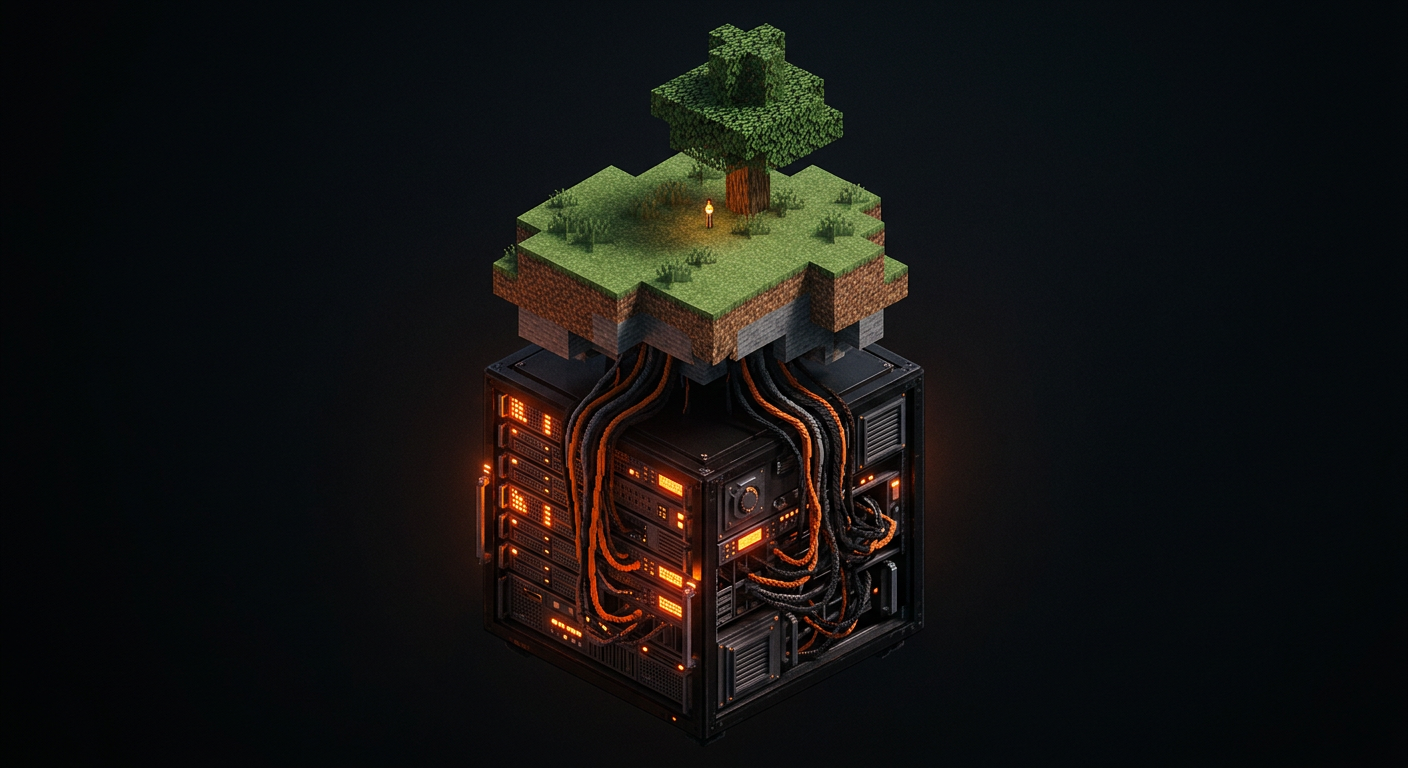
Minecraft server themed floating voxel island
01 / MINECRAFT

Minecraft Hosting

Launch your Minecraft world with performance-focused hosting for vanilla, modded, and community servers.

  • Multiple server software options
  • Configurable memory plans
  • Modpack-friendly environments
  • Server management panel
VPS RESOURCE MONITOR
vCPU
RAM
NVMe
root@vps:~# uptime
02 / VPS

VPS Hosting

Your own virtual server for websites, applications, bots, databases, and development environments.

  • Linux VPS options
  • Root access where supported
  • SSD storage options
  • Flexible resource configurations
// Infrastructure

Built on a foundation you can configure.

Every LordNodes product runs on the same core platform. Specifications are published per plan so you know what you are deploying.

lordnodes — inventory
lordnodes@cloud:~$ ln products --list
minecraft   game servers · panel
vps         linux vms · root
gpu         gpu vms · compute
# specs: see each product page
⌁

Low-latency networking

Network paths designed to keep player and API traffic responsive.

▤

SSD storage

Solid-state storage for fast world loads and disk I/O.

⛨

DDoS protection

Network-level mitigation, where available, to help keep services online.

▦

Control panel

Manage servers, consoles, files, and power state from a dashboard.

◉

Configurable resources

Pick CPU, memory, and storage for your workload.

?

24/7 support

Reach the team whenever something needs attention.

// How it works

From plan to production in three steps.

Choose a product, configure the resources, and get started.

01

Choose a product

Pick Minecraft or VPS hosting and the plan that fits your workload.

$ ln select --plan

02

Configure resources

Select your resources and preferred software or operating system.

$ ln configure --resources

03

Launch your project

Deploy your server and start building with LordNodes.

$ ln deploy --now

lordnodes@cloud:~$ deploy --now

Your next project starts here.

Choose your plan, configure your resources, and bring your project online.